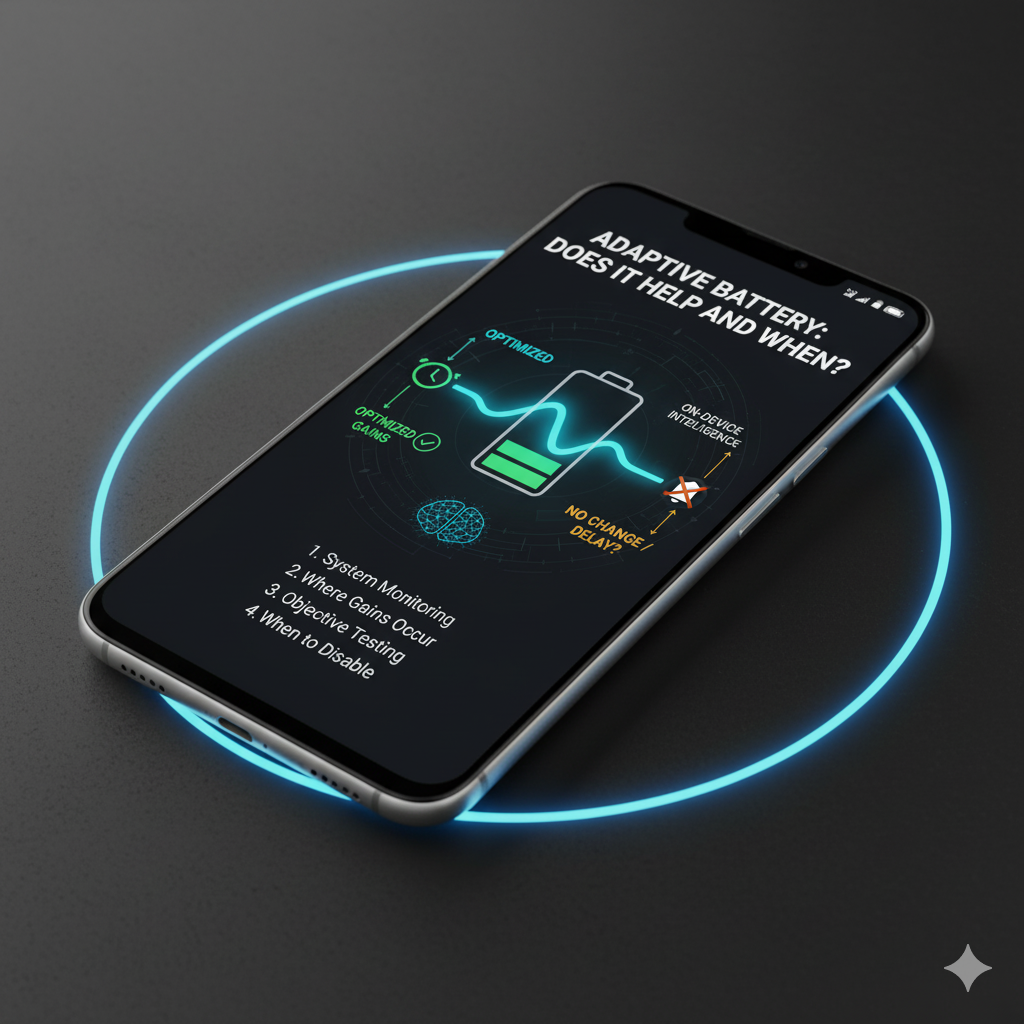

A clear, tested explanation of Android’s Adaptive Battery feature—mechanism, benefits, limitations, and when you should disable it.
Adaptive Battery promises to “limit battery for apps you rarely use” using on-device intelligence. Some users swear by it; others see no change—or claim delayed notifications.
This guide removes uncertainty:
- What the system actually monitors.
- Where gains typically occur (and don’t).
- How to test objectively.
- When disabling is rational.
Core Mechanism (Plain Language)
Adaptive Battery:
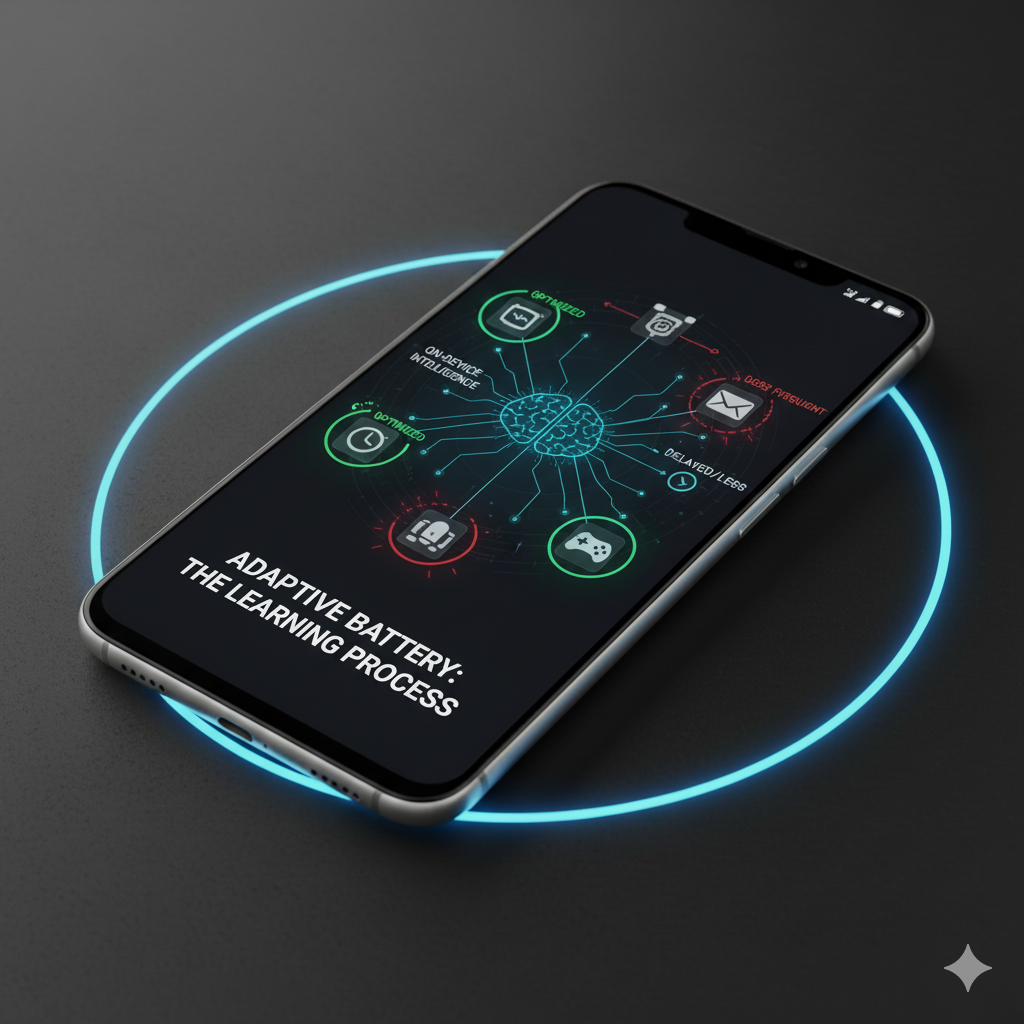
- Observes your app usage cycles (time-of-day patterns, frequency).
- Assigns apps to usage buckets (Active, Working Set, Frequent, Rare).
- Applies progressive limits on rare/frequent app jobs, alarms, and network access when in background.
- Works alongside Doze & App Standby which already reduce wakeups during idle.
Result: Apps you seldom open lose priority for wake operations, trimming silent battery drain over time.
What It Does NOT Do
- It does not magically optimize foreground battery consumption (gaming, camera).
- It does not “undervolt” hardware.
- It does not kill apps aggressively; rather, it shapes scheduling opportunities.
When It Actually Helps
Scenario improvements (from user + anecdotal tests on midrange and older devices):
| Scenario | Gain Type | Approx Impact |
|---|---|---|
| Many installed chat/social apps you rarely open | Reduced background sync attempts | 2–5% daily battery savings |
| Occasional travel apps (airline, hotel) installed permanently | Prevents constant network polls | Small but cumulative |
| Large app collection (80–150 apps) with sporadic usage | Schedules trimmed, CPU wake frequency lower | Noticeable overnight drain reduction |
Devices with fewer than ~35 installed apps often see marginal improvement (less noise to prune).
Potential Downsides (Edge Cases)
- Time-sensitive notifications for seldom-used apps may arrive with a delay if the app falls into a restrictive bucket. (E.g., niche messaging or task apps you open infrequently.)
- Power users who want immediate sync from all installed services might find throttling undesirable.
If you rely on a “rare” app for critical alerts (security cam, IoT), Adaptive Battery can introduce latency occasionally.
How to Test Impact (Simple 5-Day Protocol)
Day 0 (Setup):
- Charge to ~90%.
- Reboot.
- Enable Adaptive Battery (if off).
- Record installed app count.
- Note overnight drain baseline (previous 2–3 nights).
Days 1–3:
- Use phone normally.
- Record:
- Overnight drain %
- Day idle drain (3–4 hour window with minimal interaction)
- Any delayed notifications (note app + delay magnitude)
Days 4–5:
- Turn OFF Adaptive Battery.
- Repeat measurement.
Compare:
- If difference in daily battery longevity <3% and no app count >70, gains may be negligible.
- If overnight drain increases meaningfully (e.g., 4% → 7%), keep it ON.
Template:
App count: 92
Adaptive ON: Overnight drain avg 4.8%
Adaptive OFF: Overnight drain avg 7.1%
Delayed notifications: None noticed
Decision: Keep ON
Interaction with Other Features
- Battery Saver: Overrides some adaptation by globally clamping performance/network—use temporarily, not permanent.
- Per-app “Restricted” setting (Android 13+): Manual override to more aggressively limit rogue apps—use for outliers even with Adaptive Battery on.
- Doze: Kicks in during extended idle; Adaptive Battery influences which apps get fewer maintenance windows.
They layer. Adaptive Battery is long-horizon behavioral; Saver is immediate throttling.
Should You Disable It?
Consider disabling if:
- You run automation/testing workflows needing consistent execution times for many apps.
- Critical alerts from rarely opened apps show repeated delays (confirm with timestamp).
- You have minimal installed apps and battery performance is already stable.
Keep it enabled if:
- App count high.
- Overnight drain improved.
- No critical delay experiences.
Myths vs Reality
| Myth | Reality |
|---|---|
| “It breaks all notifications.” | Mostly false; push via FCM usually still delivered; rare apps may delay background jobs. |
| “Works only on new phones.” | Works across supported Android versions with usage bucket logic (Android 9+). |
| “Turning it off boosts performance.” | Foreground performance unaffected; disabling may increase background churn. |
| “It’s the same as Battery Saver.” | Different scope—Adaptive is predictive scheduling; Saver is broad restriction. |
Troubleshooting Perceived Notification Delay
- Pin the app to Frequent use—open it periodically for a few sessions.
- Remove battery restrictions (Settings → App → Battery usage → Set to Unrestricted).
- Ensure no third-party “optimization” app is killing services.
- Re-test. If still delayed, consider disabling Adaptive Battery temporarily.
Complementary Practices
- Consolidate redundant cloud sync services (one photo backup).
- Use Notification Hygiene (link) to remove marketing push noise.
- Apply Battery Drain Diagnostic (link) if problems persist.
- Restrict obvious resource hog apps individually before disabling Adaptive entirely.
FAQ Quick Hits
Q: Does Adaptive Battery learn faster if I clear system cache or reset stats?
A: Reset forces relearning; don’t reset without cause—you lose matured patterns.
Q: Will uninstalling rarely used apps + Adaptive Battery stack?
A: Yes, removing apps reduces baseline churn; Adaptive then fine-tunes remaining.
Q: Any privacy implications?
A: Usage bucketing data remains on-device; it’s behavioral, not uploading your app schedule.
Decision Flow
High app count (>70)?
│
├─ Yes: Enable Adaptive Battery → Measure 5-day effect.
│
├─ No: Keep ON by default unless delays appear.
│
└─ Critical alert app delayed? → Set that app to Unrestricted; keep Adaptive overall.
Internal Links (Add when ready)
- Battery drain diagnostic workflow (link)
- Safe de-bloating guide (link)
- Speed optimisation blueprint (link)
- Privacy reset (link)
Closing
Adaptive Battery isn’t magic, but on app-heavy setups it quietly trims waste. Treat it like a background gardener—verify benefits with a simple test, then stop obsessing unless you see real alert delays. More information at https://support.google.com/pixelphone/answer/7015477?hl=en
Comment with your device, app count, and overnight drain delta (ON vs OFF). I’ll aggregate anonymized results in a quarterly report.